
Record it. Polish it.
Publish-ready in one tab.
Vandcast takes you from a raw take to a finished MP3: cleaner sound, tighter pauses, music that sits under your voice, and chapters, tags and cover art built in.
100 free credits every month. No card, nothing to install.Everything between "record" and "upload"
The fiddly middle of making a show, in one place and in plain controls.
 Sound
SoundSound like you own a studio
Quick clean, studio voice, or AI noise removal. Pick how far to go and compare before and after.
 Pace
PaceKeep the rhythm, lose the dead air
Shorten long pauses in one click and cut the ums, without chopping your delivery into pieces.
 Voice
VoiceDon't want to talk? Don't.
Write or paste a script, choose an AI narrator and hear a sample before you commit.
 Script
A first draft in seconds
Have AI write, shorten or translate your script, then edit it your way.
 Music
MusicA score that knows when to hush
Generate a music bed or bring your own. It dips under your voice by itself.
From idea to episode in three moves
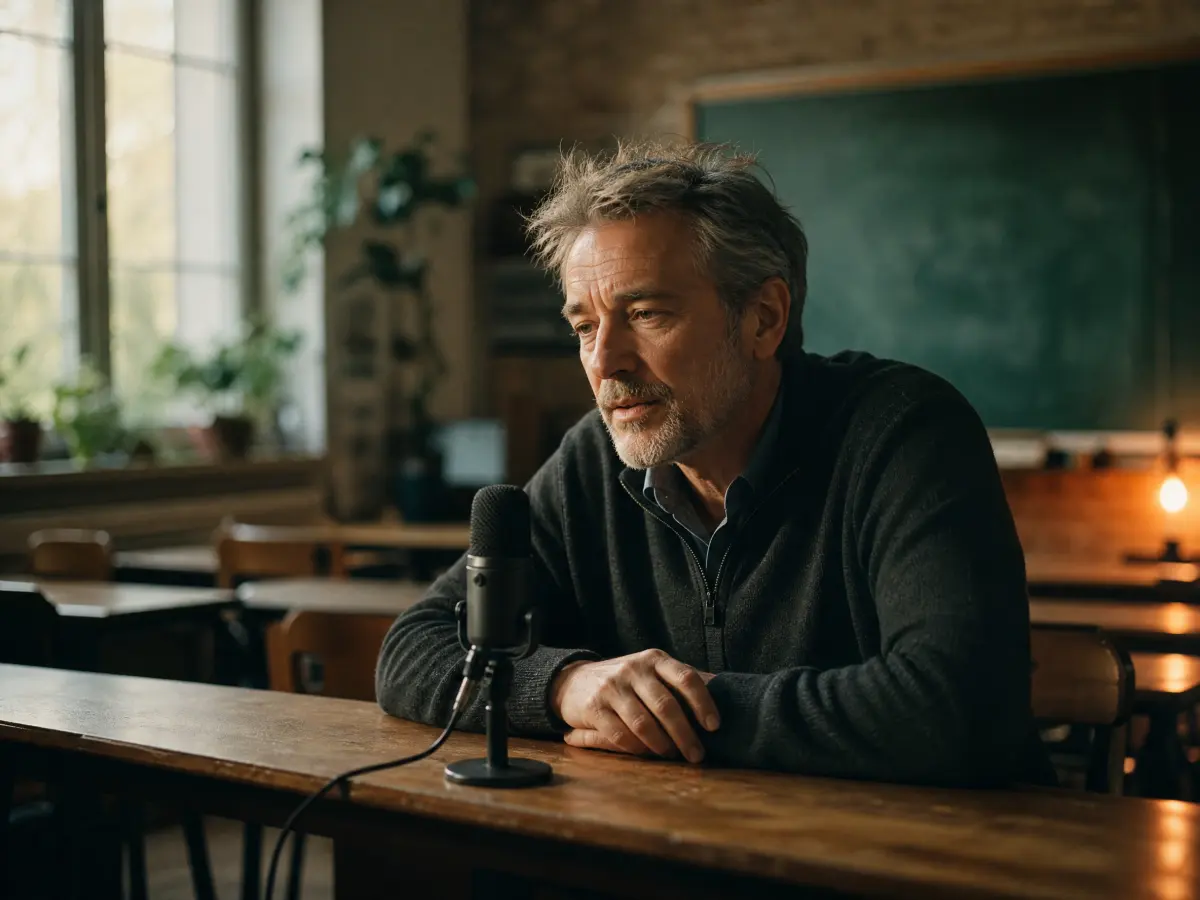 Bring your voiceHit record in the tab, or drop in audio you already have. MP3, WAV, M4A, OGG, FLAC and WebM all work.
 Shape the episodeClean it up, trim the pauses, line up clips and slide music underneath.
 Export and goOne levelled MP3 with ID3 tags, cover art and chapters. Upload it to any podcast host.
Pay for the magic, not the studio
No subscription. Recording, cleaning, arranging and exporting cost nothing today. Credits only go to AI extras like narration, music and cover art, and 100 renew every month. Packs are coming soon.
Straight about the gaps
Vandcast does not host your show or make an RSS feed yet, and it has no video or remote-guest recording. You export an MP3 and publish wherever you like.
Questions
Is it really free?
Every account gets 100 free credits each month, with no card. Recording, quick clean, studio voice, arranging and exporting cost nothing today; credits are used by AI actions such as narration, music and cover art.
Do I need to install anything?
No. Vandcast runs in your browser tab. You record with your microphone or upload files you already have.
Can it host my podcast and make an RSS feed?
Not yet. Vandcast gives you a finished MP3 with tags, chapters and cover art that you upload to any podcast host. Hosting and a feed are planned, with no date.
What happens to my audio?
It stays in your account until you delete it. Audio is only sent to an AI service when you ask for an AI action. See Your files for the details.
What does an export sound like?
One MP3 levelled to -16 LUFS, the loudness podcast apps expect, with ID3 tags, your cover art and chapters.